
Recently Viewed Products
-
 Dynamics 365 Sales Enterprise Attach to Qualifying Dynamics 365 Base Offer (36 mo) Cloud Migration Promo - Annually
Original price was: ₦130.45.₦125.45Current price is: ₦125.45.
Dynamics 365 Sales Enterprise Attach to Qualifying Dynamics 365 Base Offer (36 mo) Cloud Migration Promo - Annually
Original price was: ₦130.45.₦125.45Current price is: ₦125.45.
Dynamics 365 Sales Professional Attach
Dynamics 365 Sales Enterprise Attach to Qualifying Dynamics 365 Base Offer (36 mo) Cloud Migration Promo

Windows 365 Business 2 vCPU,
NON-SPECIFIC - Windows 365 Business with Windows Hybrid vCPU, 4 GB, 128 GB (with Benefit is for smaller organizations that want a simple way to buy, Windows Hybrid Benefit) - deploy, and manage Cloud PCs, for up to 300 users on a Windows Annually 10/11 Pro device. Windows Hybrid Benefit is a licensing benefit that helps reduce the cost of Windows 365 Business. With Windows Hybrid Benefit, you receive a discount of up to 16 percent on your Windows 365 subscription if you already use Windows 1 0/1 1 Pro on a device. Savings vary by Windows 365 Cloud PC configuration and region. With your Windows 365 Cloud PC, you can securely stream your Windows experience -- including your personalized apps, content, and settings -- from the Microsoft cloud to any device.


Dynamics 365 Sales Professional –
Dynamics 365 Sales Professional –
User subscription that includes Dynamics 365 Sales Professional
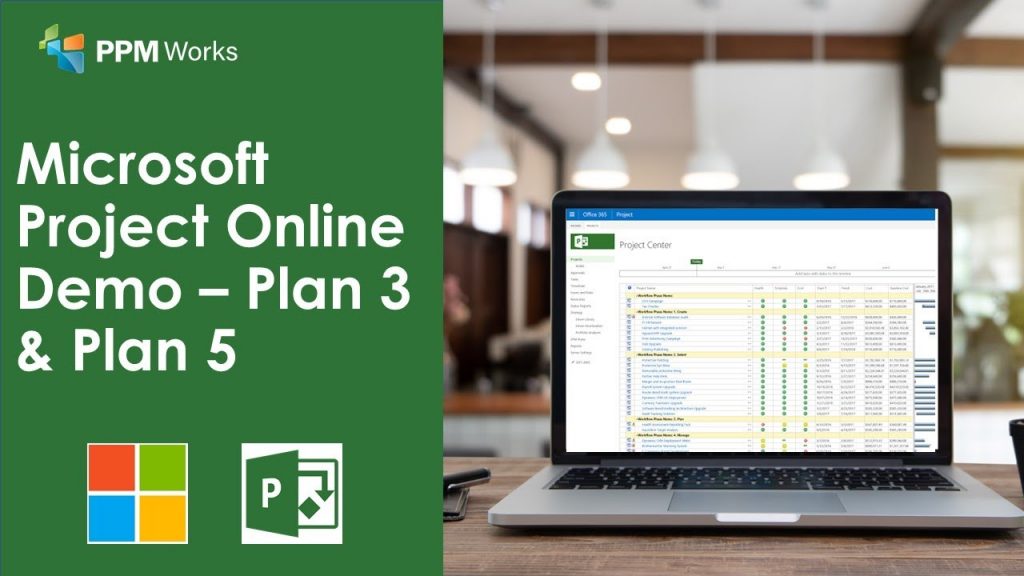
SharePoint Syntex
This per-user offer enables customers to get access to Advanced AI and machine teaching to amplify human expertise, automate content processing, and transform content into knowledge; and Content centers, digital image processing, form processing, document understanding, advanced taxonomy services, content connectors.
Microsoft 365 Domestic Calling Plan
ADDON - Enables online users to place and receive Domestic calls through the Public Switched Telephone Network (PSTN). There are base pre-requisites required to purchase this offering.
Teams Rooms Premium (USA/CAN) Promo
NON-SPECIFIC - Premium experiences for meeting room devices, including management, intelligence, and room software.
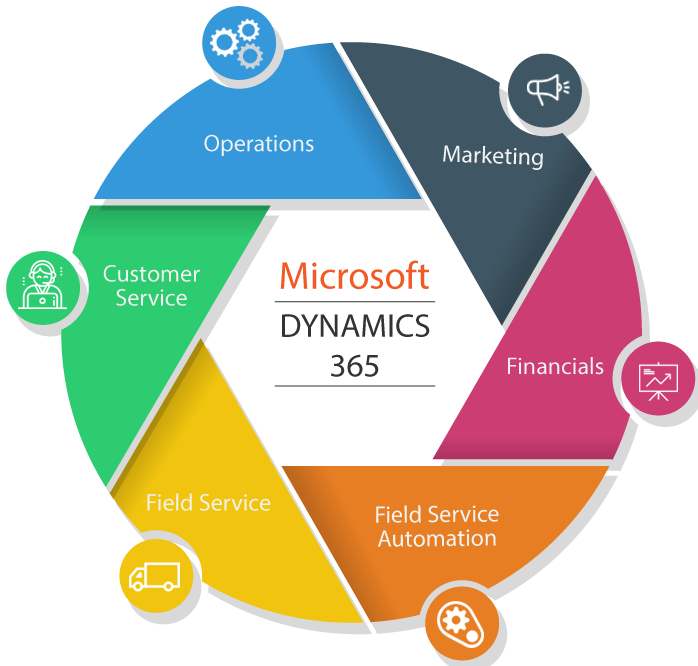

Microsoft 365 F1 -Annually
NON-SPECIFIC - Core products and features within Microsoft 365 to equip Firstline Workers

Dynamics 365 Supply Chain Management
Attach user subscription offering for Dynamics 365 Supply Chain Management. Requires qualifying Dynamics 365 base offer.
SMB – Annually Microsoft 365
ADDON - For organizations that need call management capabilities (make, receive and transfer calls) in the cloud and use the Office 365 admin center to manage users.
OneDrive for business (Plan 1)
Convenient online companions to Microsoft Word, Excel, PowerPoint, and 0neNote to do light editing of documents directly from your Web browser with OneDrive for business.

Microsoft 365 E3 -Unattended License
NON-SPECIFIC - Office 365 E3, Enterprise Mobility + Security E3, and Windows 10/11 Enterprise E3. This licensed suite of products offers users best-in-class productivity across devices while providing IT security and control.

Windows 365 Business 8 GB
NON-SPECIFIC - Windows 365 Business with Windows Hybrid Benefit is for smaller organizations that want a simple way to buy, deploy, and manage Cloud PCs, for up to 300 users on a Windows 10/11 Pro device. Windows Hybrid Benefit is a licensing benefit that helps reduce the cost of Windows 365 Business. With Windows Hybrid Benefit, you receive a discount of up to 16 percent on your Windows 365 subscription if you already use Windows 10/11 Pro on a device. Savings vary by Windows 365 Cloud PC configuration and region. With your Windows 365 Cloud PC, you can securely stream your Windows experience - including your personalized apps, content, and settings -- from the Microsoft cloud to any device.
Microsoft Teams Calling Essentials for
ADDON - A cloud-based calling solution that enables users to make and receive PSTN calls in Microsoft Teams. It includes a phone system and domestic calling plan for users in the US and Canada.
Power Apps Portals login capacity
NON-SPECIFIC - Power Apps Portals allow organizations to extend business processes to employees and external audiences. Each unit includes 100 daily log ins by external users per month.
Dynamics 365 Sales Enterprise Edition
Dynamics 365 Sales Enterprise Edition
User subscription that includes Dynamics 365 Sales, Enterprise edition.
Power BI Premium P2 –
NON-SPECIFIC - Power BI capacity for your organization's needs, unlocking unlimited content distribution and all premium features. P2 can utilize up to 16 virtual cores. You will need to separately purchase Power BI per user license for users who publish content or use collaboration features. Eligible for autoscale add-on via Azure subscription.
Privacy Management – subject rights
Helps automate and manage subject rights requests at scale. The purchase of this SKU allows you to create 1 subject rights request (listed as an add-on license). Each subject rights request costs 5200 and can be used anytime within one year from the date of purchase. There are two payment plans available. The Pay yearly, […]
Dynamics 365 Sales Enterprise Attach
Dynamics 365 Sales Enterprise Attach
Attach user subscription offering for Dynamics 365 Sales Enterprise. Requires qualifying Dynamics 365 base offer.
Standard Edge Scale Unit add-in
Standard Edge Scale Unit base tier for Supply Chain Management, includes 1,500K transactions per month.
Windows 365 Enterprise 2 vCPU,
NON-SPECIFIC – Windows 365 Enterprise is for organizations that want to manage their Cloud PCs with Microsoft Endpoint Manager and take advantage of integrations with other Microsoft services, including Azure Active Directory and Microsoft Defender for Endpoint. With your Windows 365 Cloud PC, you can securely stream your Windows experience — including your personalized apps, […]

Common Data Service Database Capacity
– Additional relational database capacity for Dynamics 365 Customer Engagement Apps, PowerApps and any application that utilizes Microsoft’s Common Data Service for Apps. Each unit increases available tenant wide shared capacity by 1 GB